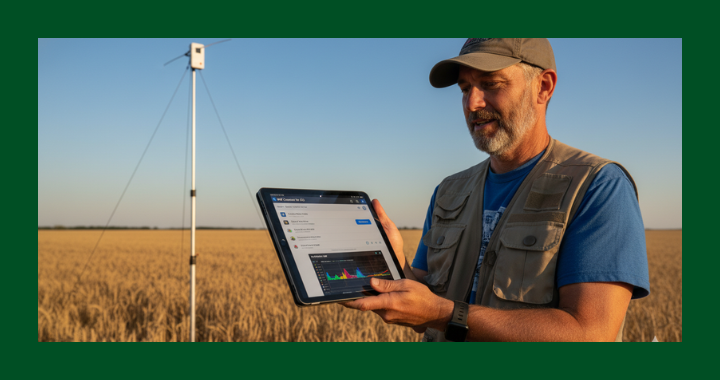
If you use a RigExpert Stick Pro antenna analyzer with the AntScope app on an iPad and your Bluetooth connection mysteriously stopped working, you're not alone — and there's a simple fix.
The Stick Pro is a great field tool. You can connect it directly to an antenna's feed point, hoist it into the air, and read your SWR and impedance data from the ground using AntScope over Bluetooth. At least, that's how it's supposed to work. Many users, myself included, found that the BT connection simply vanished one day and no amount of rebooting or resetting either device would bring it back.
The fix — using nRF Connect to wake the Stick Pro
A Reddit tip led me to an app called nRF Connect for iOS (free, from Nordic Semiconductor). It's a Bluetooth diagnostic tool. Here's what to do:
- Download nRF Connect from the App Store on your iPad.
- Power on your Stick Pro and open nRF Connect. Scan for devices — your Stick Pro should appear in the list, confirming its Bluetooth radio is actually broadcasting.
- Tap the Connect button next to the Stick Pro in nRF Connect. This forces the device to fully wake its Bluetooth stack.
- Without closing nRF Connect, switch over to AntScope and tap Connect. It should pair successfully.
This worked on a 4th-generation iPad running the latest OS. The root cause isn't entirely clear — likely an iPadOS BLE stack quirk — but this workaround gets you back on the air without any hardware changes or app reinstalls.
If you try it, let the club know in the comments whether it worked for you!
73,

Does this work/ is it needed on other sticks, like the XStick Pro?